Keyless Entry for a Coleman 17B: How to Install an RVLOCK Keyless Lock (And Why We Did It)
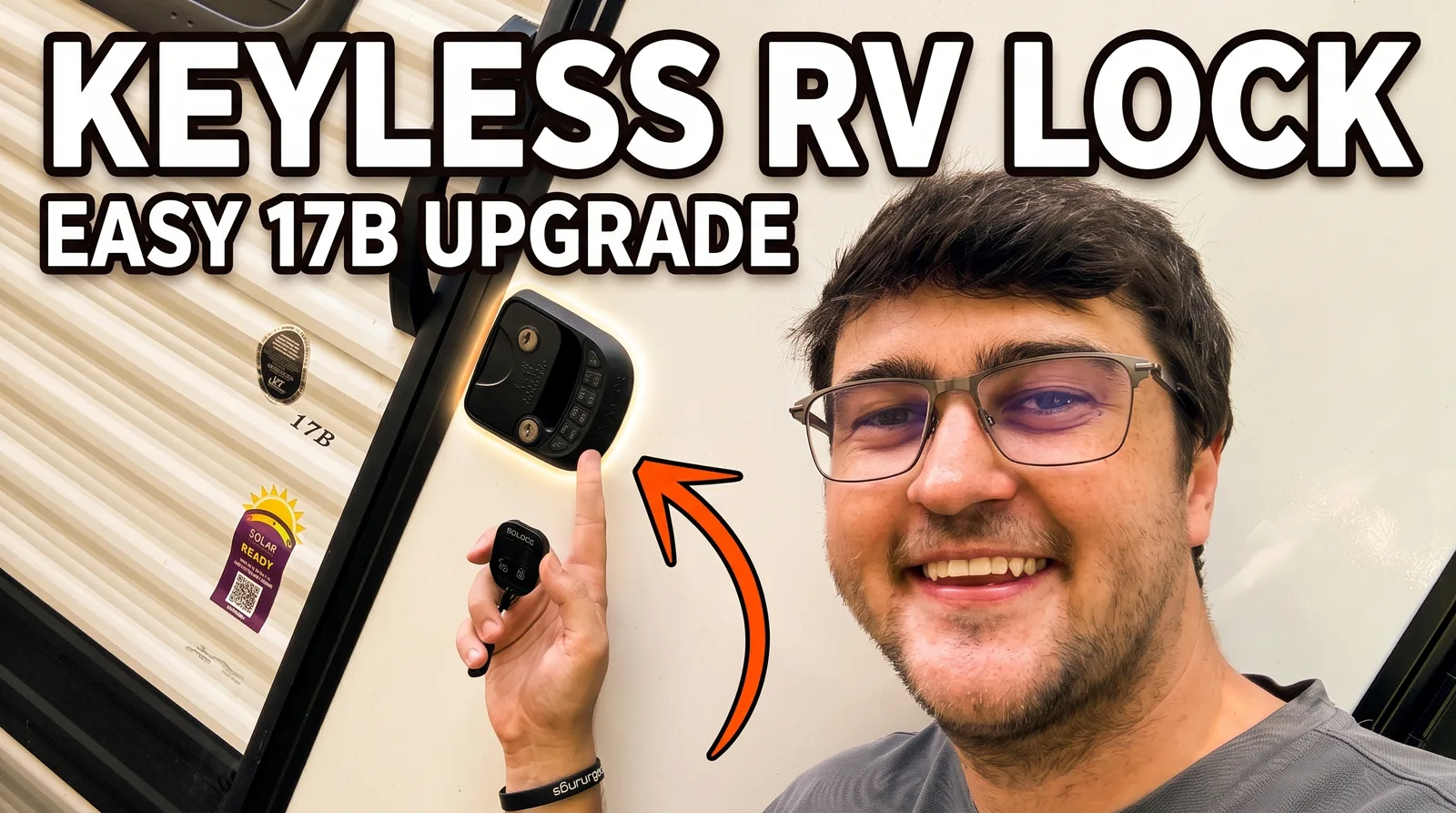
Keys are the easy thing to lose, so we swapped the factory lock on our 2025 Coleman 17B for a keyless RVLOCK entry handle. This was the single best upgrade to get the camper rental-ready: guests get a keypad code and a key fob, we keep a physical key as backup, and nobody has to stress about a lost key. Here is the honest install, start to finish, including the one part the instructions did not explain well.
This post contains Amazon affiliate links. As an Amazon Associate, I earn from qualifying purchases at no extra cost to you. I only link gear I've personally bought and used.
Get the lock
The exact RVLOCK keyless handle is in our Amazon storefront, along with the rest of the upgrades we run on the 17B.
Watch the full install
Aaron Goes Outdoors installs a keyless RVLOCK entry handle on the Coleman 17B, sets the keypad code, and programs the key fob.
Why we went keyless
We rent our 17B out on the off weekends, so the lock had to work for guests who are not us. A keyless handle solves a real problem:
- A code for every rental. We set a fresh keypad code for each guest, so no keys to hand off, mail back, or lose.
- A key fob too. The fob is the sleeper feature. It gives you another simple way to let someone in without handing over everything.
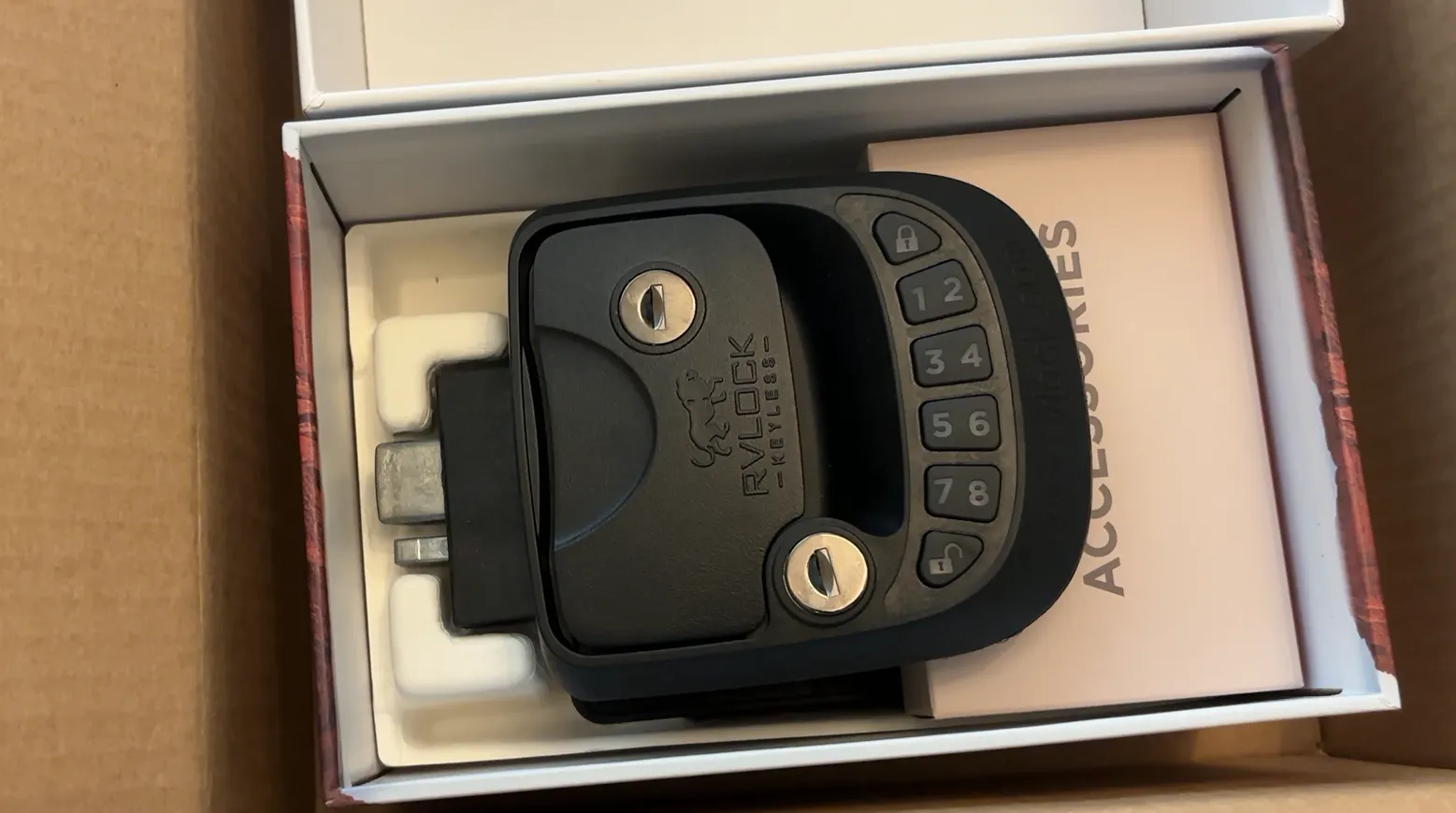
- Physical keys as backup. It still comes with real keys that we keep on hand in case anything ever comes up.
One thing we liked: the latch still looks like a normal camper lock. It is not some big, obvious bolt-on that changes the look of the door.
Removing the factory lock
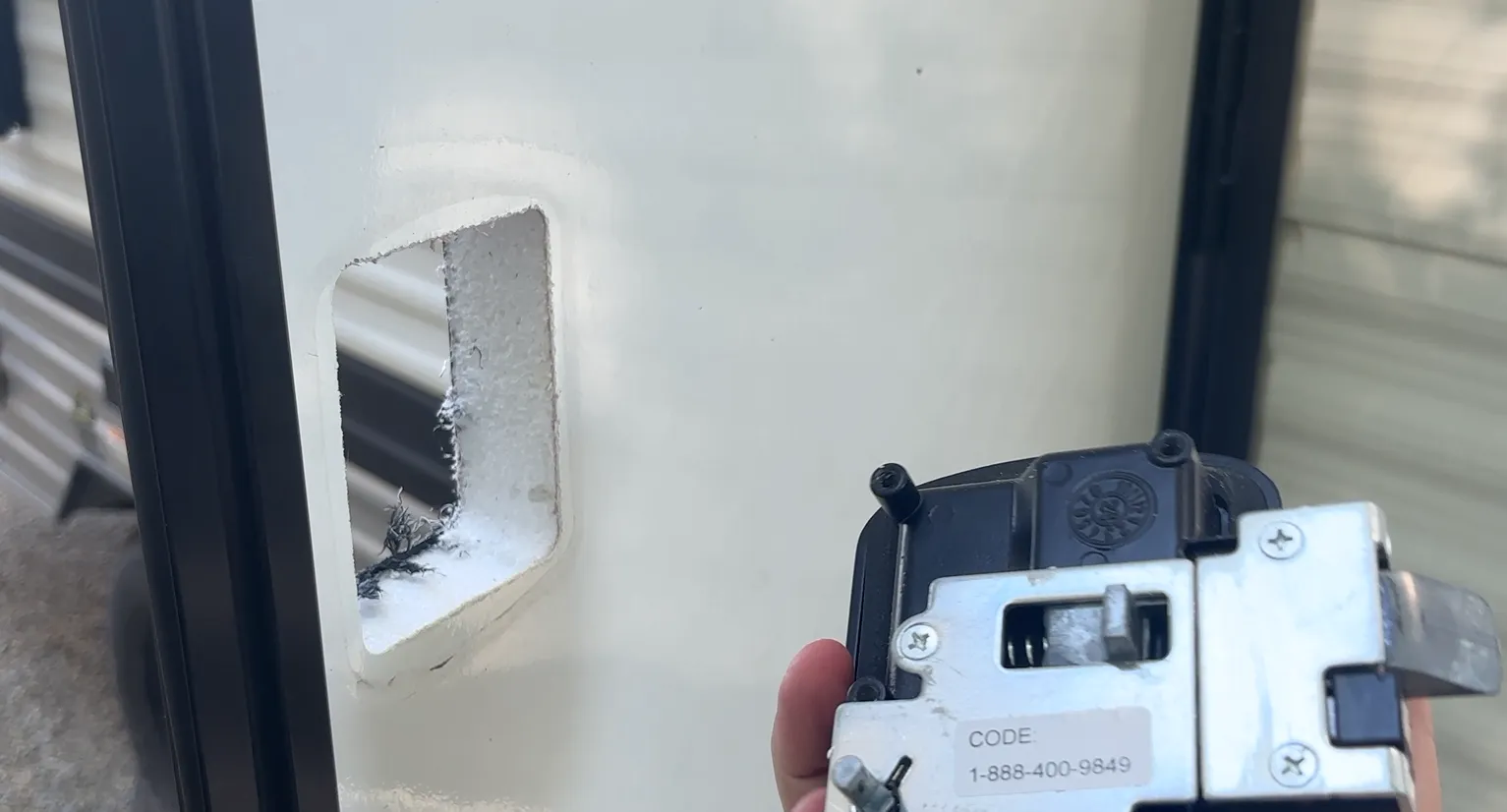
The old lock comes off in a few steps:
- Take out the screws around the factory handle and pull it off the door.
- Remove the screws holding the interior plate in place, and that plate comes out.
- Open the latch and the inner piece comes free.
You are left with a clean, empty foam opening ready for the new handle.
▶ See the factory lock come off in the video
Installing the RVLOCK
Before you start, check your strike plate. The kit comes with new strike plates, and there is more than one style, so look at what your door has and match it. I always use the new hardware that comes in the box since you already paid for it.
Then it goes in backwards from how you took the old one out:
- Seat the new handle snug in the opening and make sure it locks into place.
- Put the matching strike plate on to hold it, and check that everything lines up before you drive the screws.
- Get those screws in firmly. At this point it opens and locks from the outside.
Next, connect the interior half. When you connect the rear, it makes a little “welcome to RVLOCK” sound, which is how you know the battery is live. A helpful tip: work the wire into the gap on the left side to get the interior piece up into place. Then line up the wires, the bolt that connects to the outside handle, and the spot between the two halves. If you look at it, the pieces make sense, and it seats cleanly.
Setting your keypad code
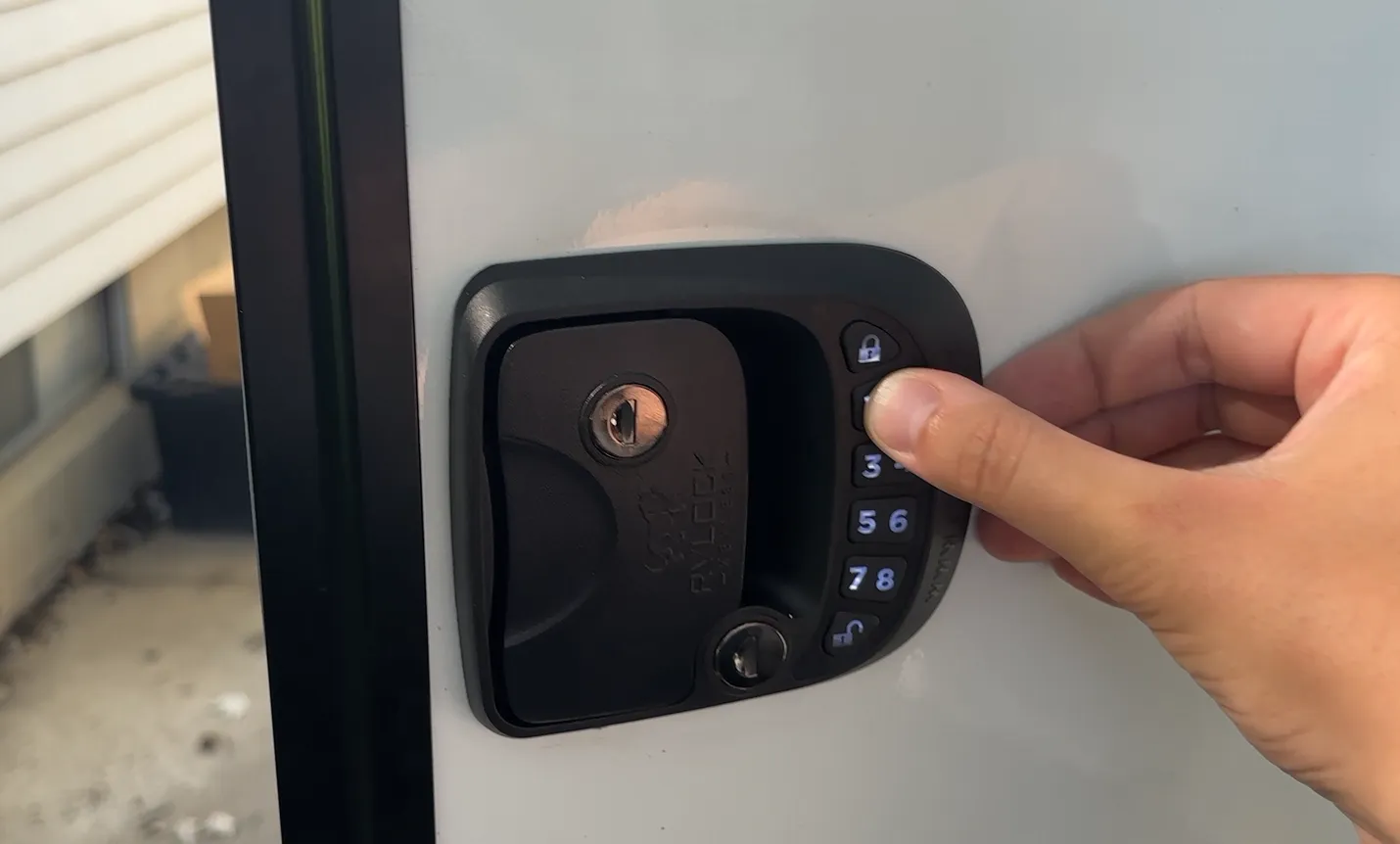
The default code out of the box is 1234. To use it, hit the top button twice and the bottom button twice, and the lock cycles.
The instructions do a good job walking through how to change it. The nice part: RVLOCK lets you set a code anywhere from two to eight digits. A lot of keypad locks lock you into four, so if security matters to you, you have options.
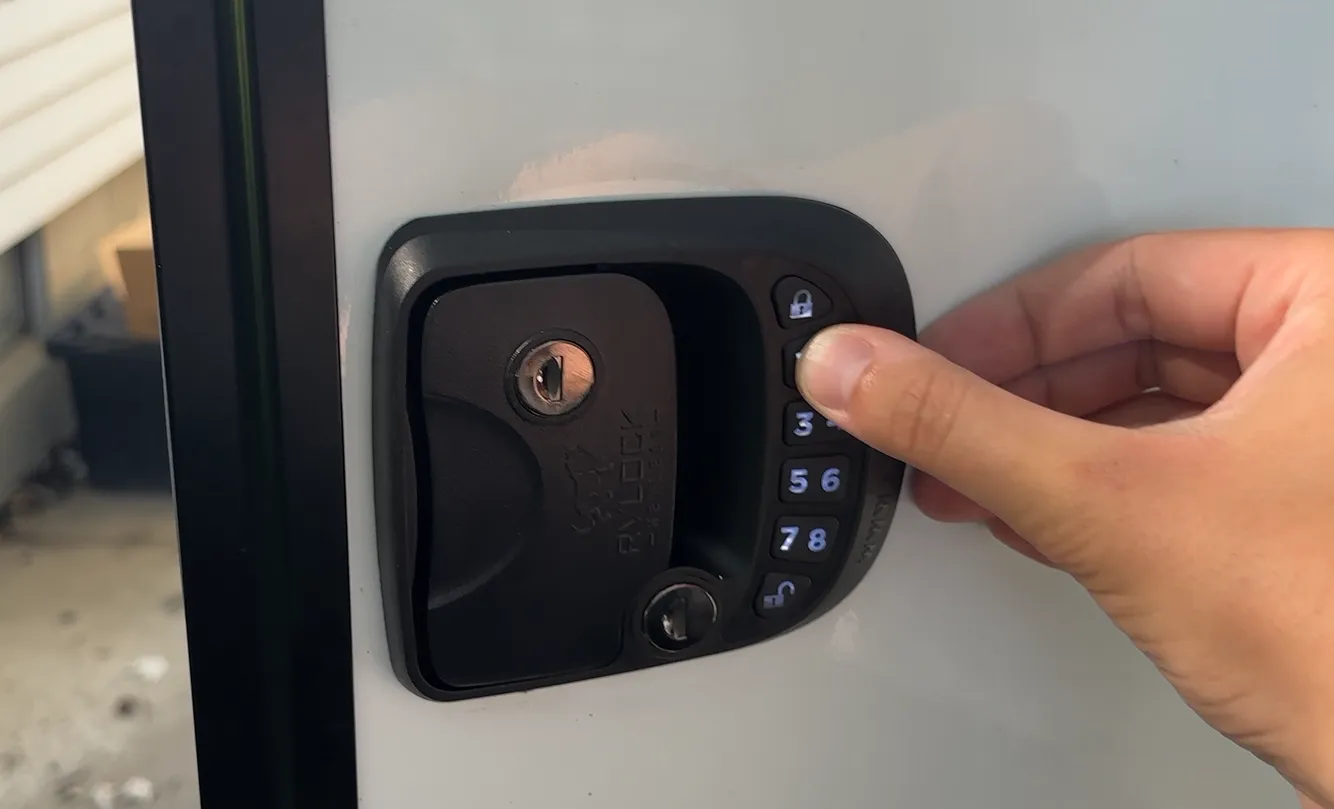
▶ See the code setup in the video
Programming the key fob (the finicky part)
Here is the honest part. Programming the fob was fiddly, and the directions that came with ours were not helpful. Here is what actually worked:
- Turn the switch on to activate the remote capability.
- Find the fob learning button and use a pen or small tool to press it.
- Press and release the lock button on the remote to pair it.
In practice, I had the toggle on and pressed the learning button on and off a number of times while holding the lock button, until it said “connect remote” and then “remote connected.” After that, lock and unlock both worked from the fob. It makes a confirmation sound at each step, which helps you know it took.
▶ See the fob programming in the video
Coleman 17B keyless lock FAQs
Will an RVLOCK fit a Coleman 17B?
Yes. It replaces the standard RV entry door handle on the 17B and comes with multiple strike plates so you can match the one your door uses. Just check which strike plate style you have before you install.
Do you still get keys with a keyless RV lock?
Yes. Our RVLOCK came with a keypad, a key fob, and physical keys. We use the keypad code for guests and keep the keys as a backup.
How many digits can the code be?
Anywhere from two to eight digits. Many keypad locks only allow four, so this gives you more flexibility on security.
Is a keyless RV lock hard to install?
The physical install is straightforward and mostly reverses how the factory lock comes off. The one fiddly step was programming the key fob, which took some trial and error because the included directions were not clear.
Is a keyless lock worth it for a rental camper?
For us, absolutely. Setting a code per guest instead of handing off keys makes the whole rental process simpler and lower stress for everyone.
Final thoughts
If you rent your camper out, or you are just tired of digging for keys, a keyless RV lock is one of the easiest high-impact upgrades you can do to a Coleman 17B. The install is beginner-friendly, the keypad-plus-fob-plus-keys setup gives you options, and it made our rental noticeably easier to hand off. Just be patient with the fob programming.
Want to try the 17B before you upgrade your own? You can rent our Coleman 17B here in Cedar Falls, the keyless lock and all. For more upgrades, see how we mounted a 32-inch TV in the 17B, and browse the full Coleman 17B gear and upgrade list.
For more 17B content and honest trip reports from the Midwest, subscribe to Aaron Goes Outdoors on YouTube.